 Walkthrough
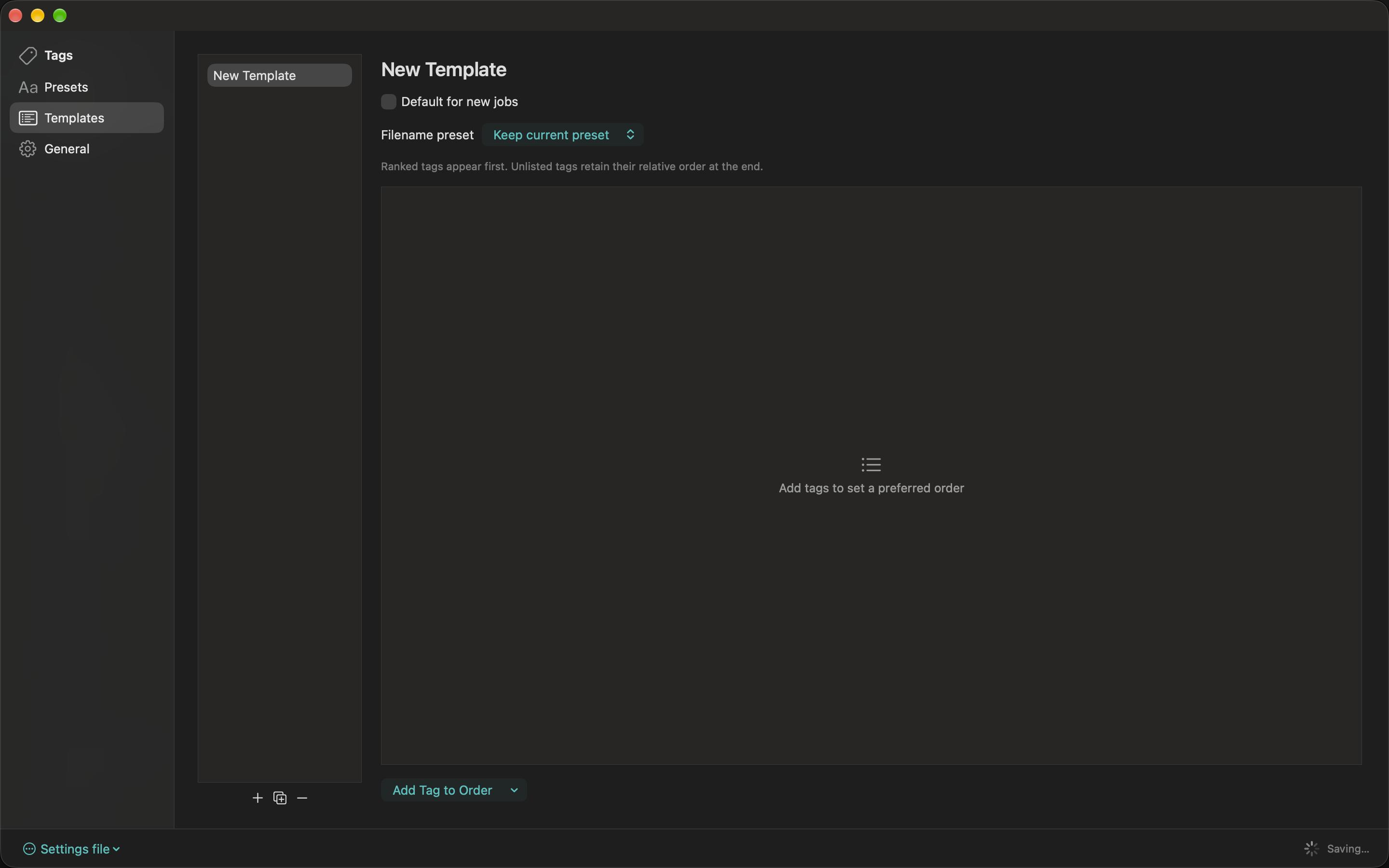
Templates combine an ordered set of tags with an optional naming preset. Add or duplicate a template, name it for a realtor or delivery workflow, and optionally make it the default for new jobs.
Choose a filename preset, or Keep current preset. Use Add Tag to Order, then arrange tags with the move controls or by dragging. An optional output-name override changes a tag’s output label for that template. Remove a tag from the order when it is no longer needed.
Groups with tags outside the template follow the listed tags in their existing order. A manually named group retains its manual name. Apply a template to the current job with T or through the command palette; applying a template is undoable.