 Walkthrough
Use Command-N or Command-T to open a new job tab without closing your current job. Command-W closes the selected tab. The Home toolbar button returns the current tab to your recent jobs.
Remove an entry from Recents with its × button, right-click menu, or the folder menu. Its saved rooms and photo order stay in Walkthrough and return when you reopen the folder. Opening jobs and returning to the app also check for folder changes.
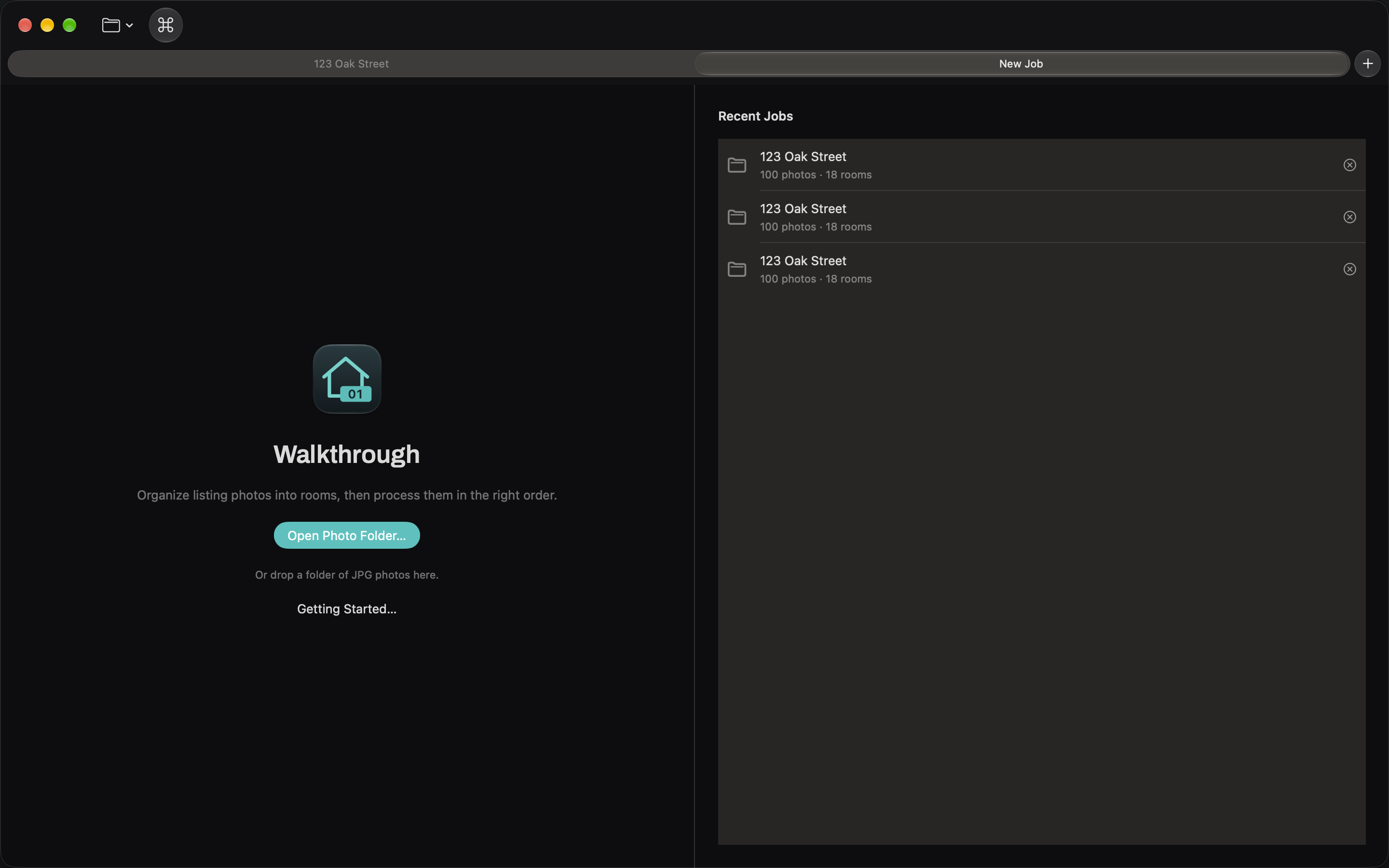
Open a recent job from the Open menu or command palette. Jobs processed into group folders reopen using their tracked paths, including nested photographs. Restore does not import unrelated files from those subfolders.
If a folder has moved outside Walkthrough, use File → Locate Job Folder. Opening an ordinary photo folder on another Mac starts a new job; local organization history does not travel with the photographs. For help, see Support.