 Walkthrough
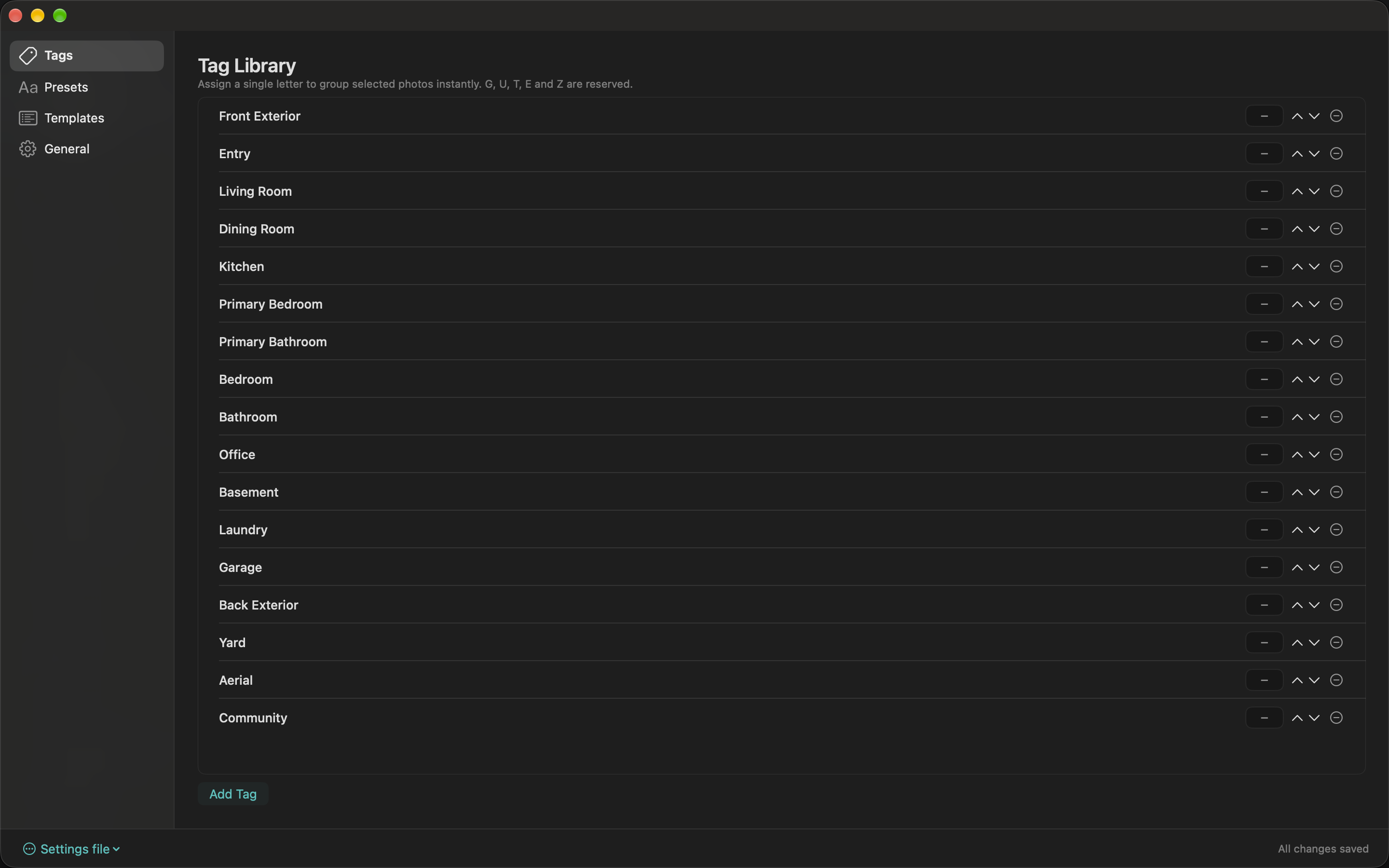
Add common room names such as Kitchen, Living Room, or Front Exterior. Edit each name, reorder the list with the arrow controls, or delete entries you no longer need. Tags give you reusable destinations for grouping and ingredients for templates.
Optionally enter one A–Z letter in the shortcut field. With photos selected in the workspace, that letter assigns them to the matching tag group, creating the group when needed. Tags do not receive shortcuts automatically.
G, U, T, E, and Z are reserved. Two tags cannot use the same letter. Remove or change a conflicting letter so the edit can save; the inline error tells you why it is unavailable.