 Valet Notes
iPhone, iPad & Mac
Park your notes until you know where they go.
Valet Notes is a scratchpad with four spaces for quick writing. Leave a note there as long as you need. When you know where it belongs, send it on or archive it.
The public beta is for iPhone and iPad, through Apple’s TestFlight app. The Mac app is in private testing.
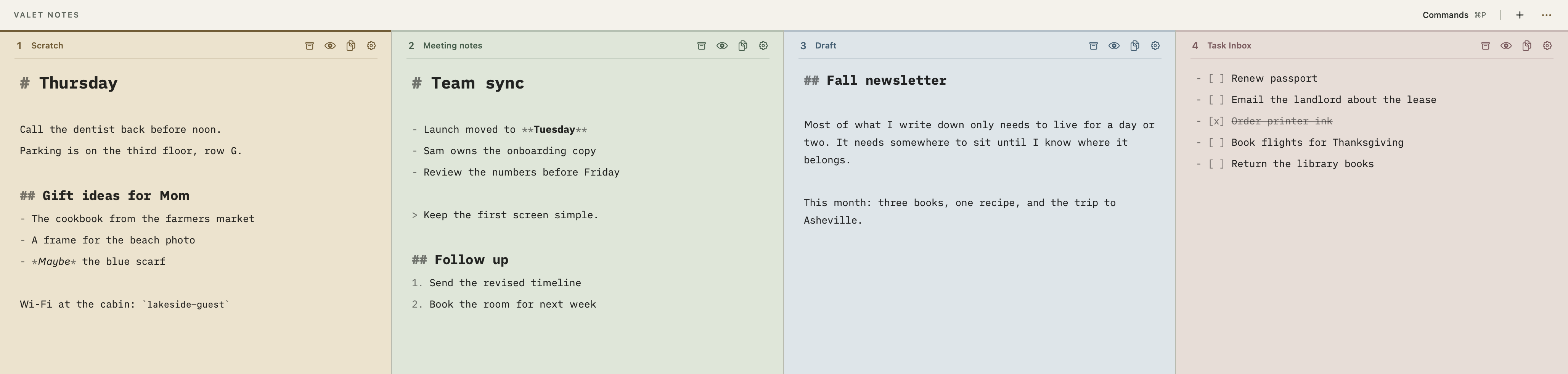
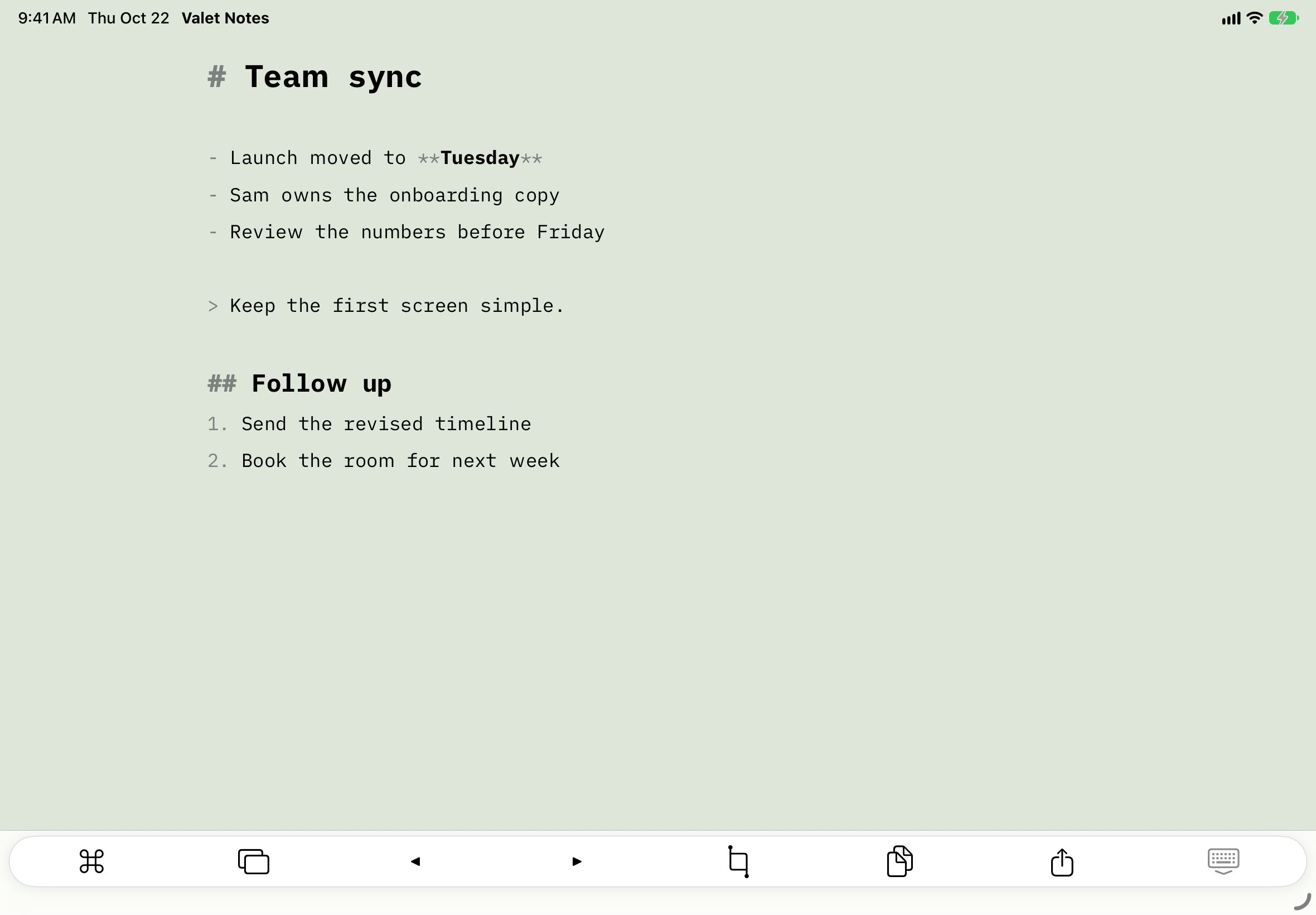
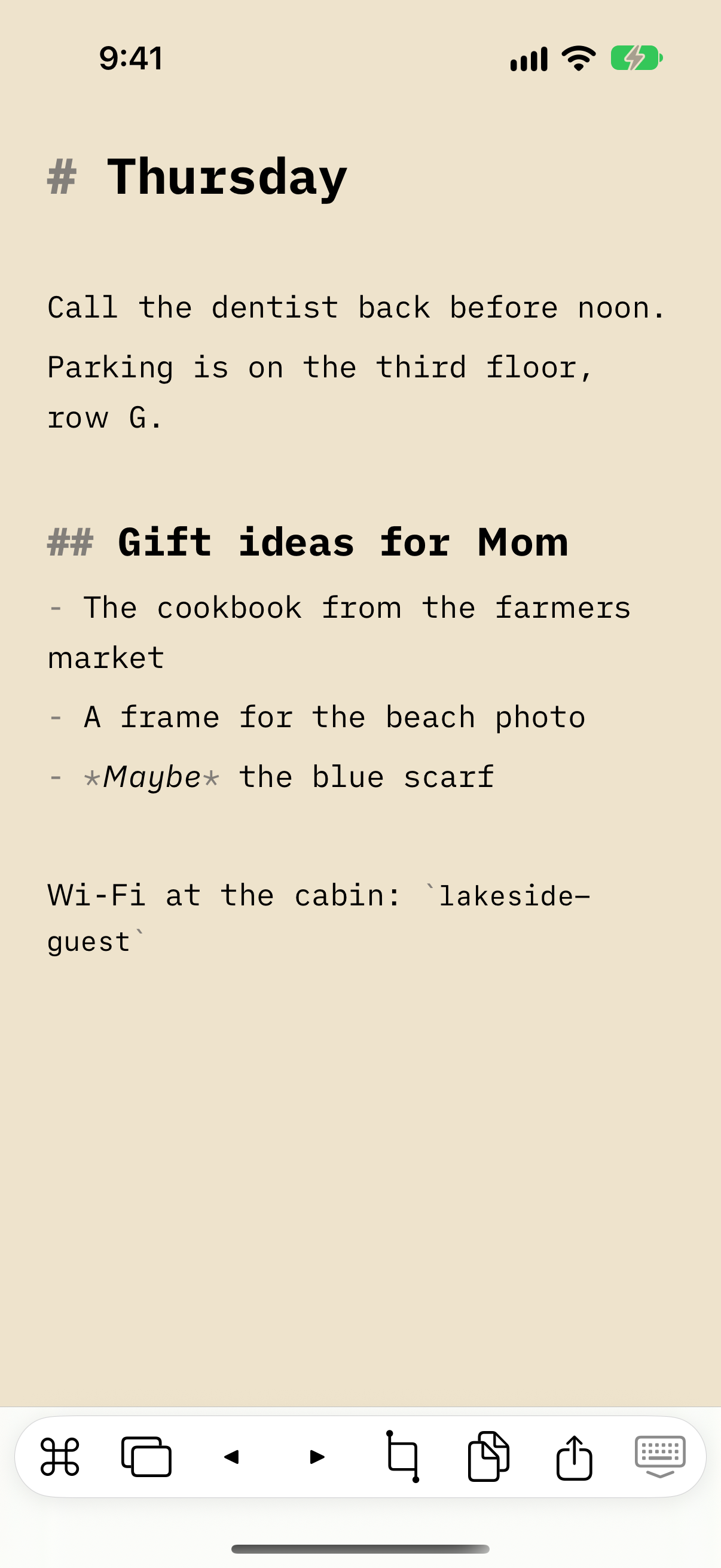
A place for notes in between
Not every note needs a home yet.
Some writing only needs to last a day or two. Picking a folder and a title for each one takes longer than writing it down.
Write it down.
Open a space and start typing. Notes are Markdown, with headings, lists, and checkboxes.
Leave it parked.
Start with four named spaces, each in its own color, and add more when you need them. Your spaces sync between devices with iCloud.
Send it on.
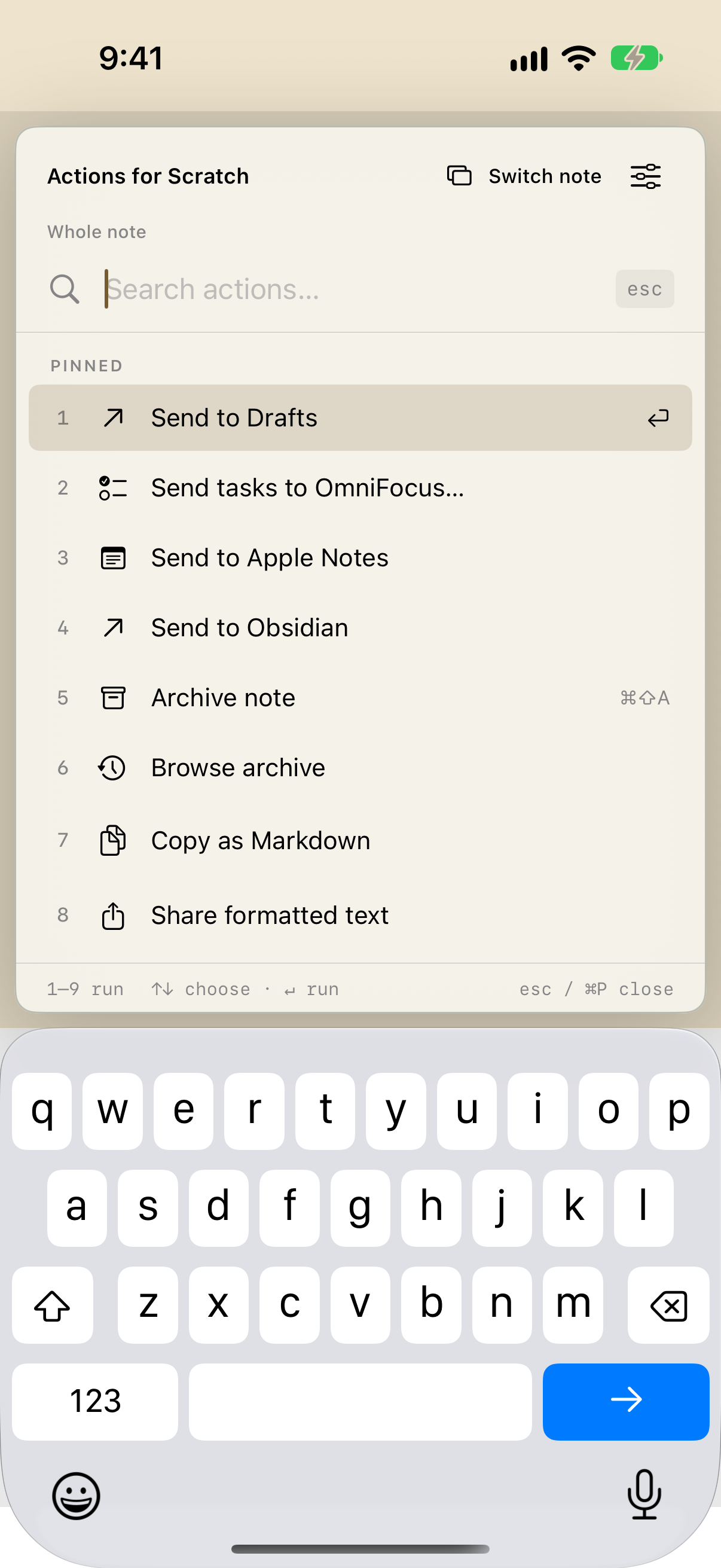
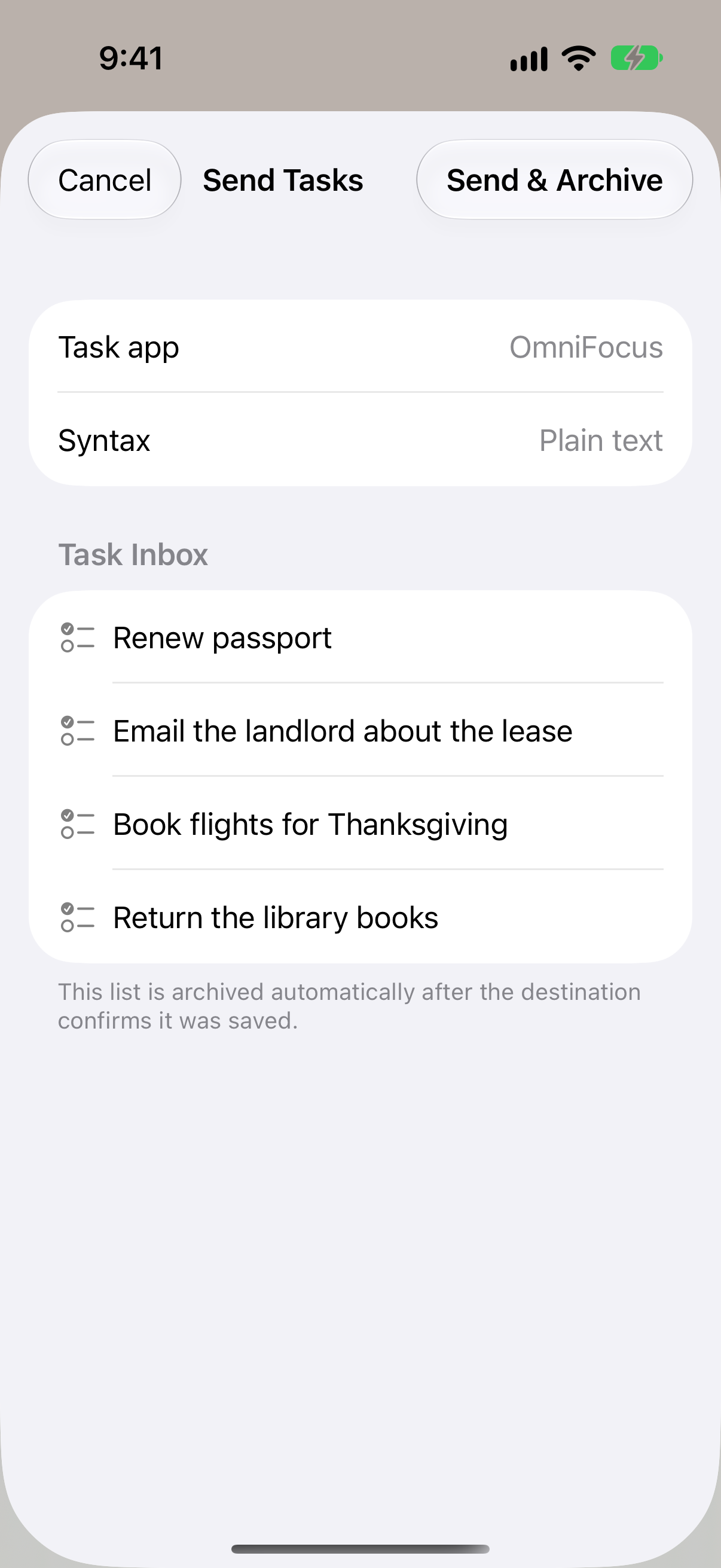
Send a note to Drafts, Apple Notes, or Obsidian. Send tasks to OmniFocus, Things, Todoist, Reminders, or NotePlan. Or archive it.
On Mac
A drawer at the top of your screen.
Move the pointer to the top edge of the screen and scroll down, or press Control–Option–Command–Space. Your spaces open side by side over whatever you’re working on. Press Escape to close the drawer. It stays out of the Dock.
Also in the app
Small things that help.
Automatic archiving
Spaces you haven’t touched in 14 days are archived for you. Choose 7 or 30 days, or turn it off.
Browse the archive
Archived notes are dated Markdown files. Search them, copy them, or restore one to an empty space.
Share to a space
On iPhone and iPad, share a web page or selected text into any space from the share sheet.
Widgets and Shortcuts
Show a space on your Home Screen, or read and add to spaces from the Shortcuts app.
Try Valet Notes.
Join the public beta on iPhone and iPad through TestFlight.