Did you read today?
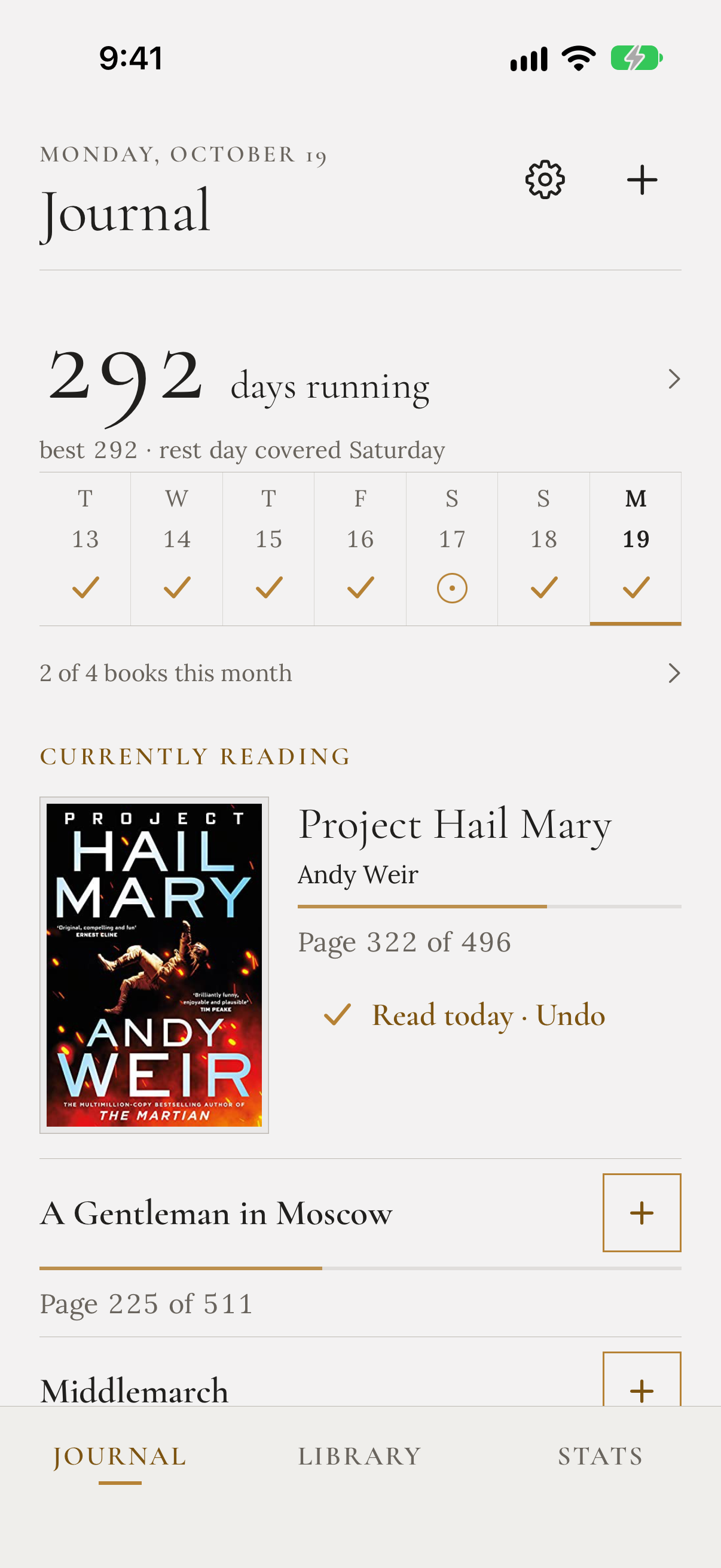
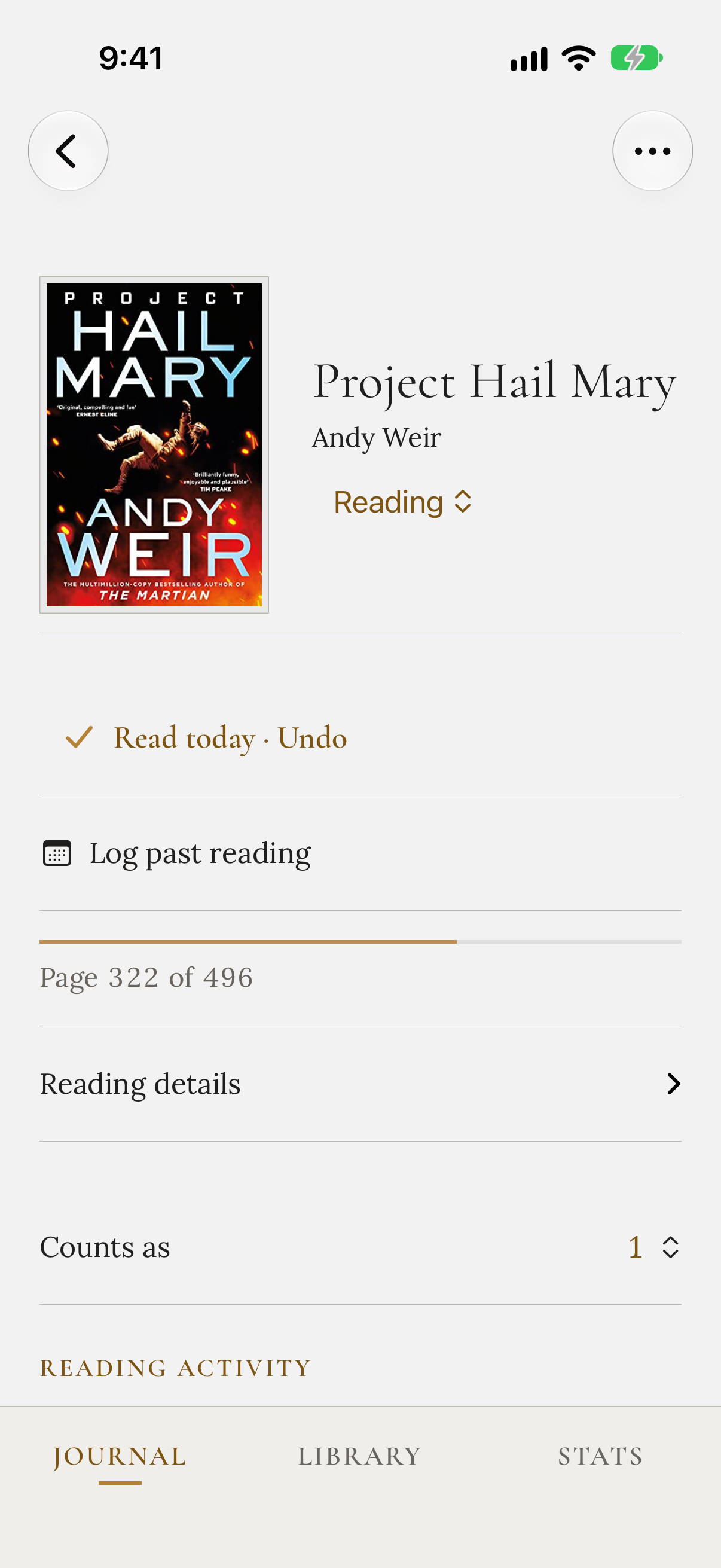
Tap Read today to record it. However much you read, the day counts. Detailed progress is optional, and there’s no timer to start.
Recording your readingFor iPhone and iPad · Mac coming soon
Mark the days you read without counting pages, chapters, or minutes.
See your consistency grow and work toward your own monthly book goal.
Free on the App Store · iPhone and iPad
Tracking you can keep up
Tap Read today to record it. However much you read, the day counts. Detailed progress is optional, and there’s no timer to start.
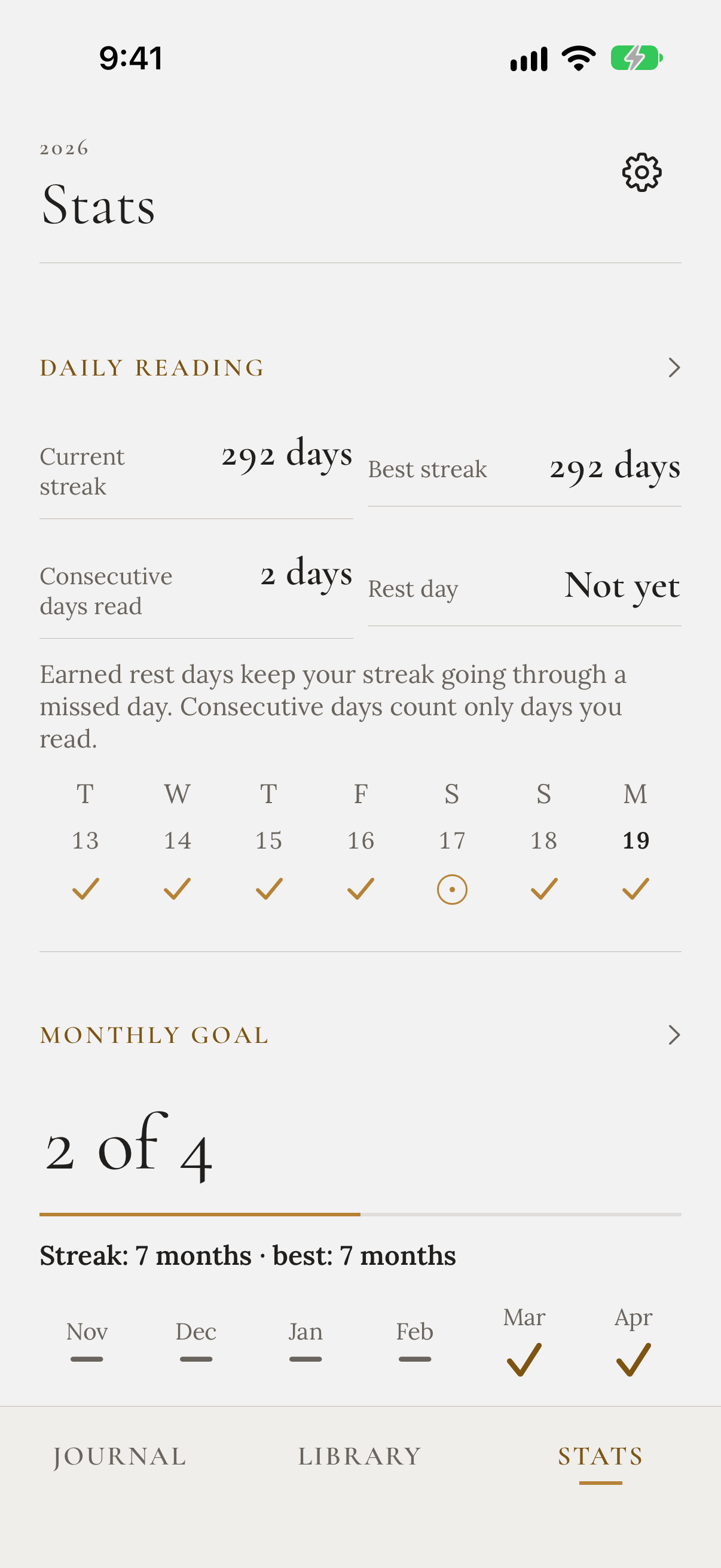
Recording your readingSee the days you read in your journal. Choose a monthly book goal and watch your finished books add up.
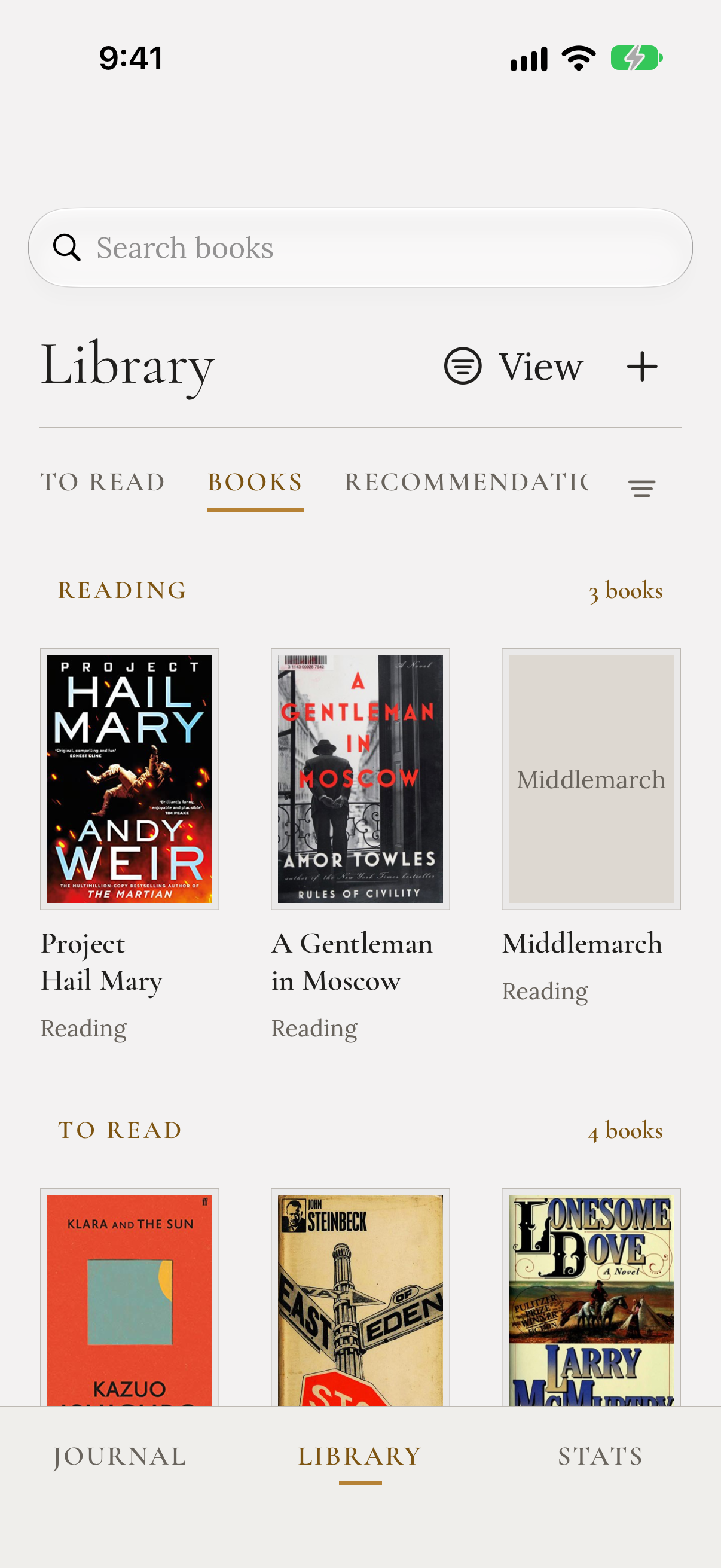
Understanding your goalsSave book recommendations with the friends who suggested them. Find them when you're choosing your next book.
Books, people, and recommendationsSee your consistency grow
See the days you read. Seven consecutive reading days earn one rest day, used automatically when you miss one.
Choose your target and watch each finished reading contribute. Monthly streaks remember the months you reached it.
Look back on the books you finished, with a separate yearly goal if you want one.
As much detail as you want
Marking the day is enough.
Add notes or a review when you want to remember more. Reread a favorite and keep each reading’s dates and record.
Pages, chapters, and listening progress are there if you want them. Leave them off when you don’t.
Explore reading history and rereadsChoose your next book
Keep a book or series with the person who suggested it and what they said. Find their recommendations when you’re ready for something new.
Switch between To Read, Books, Recommendations, and Series. In 1.0.1, the tabs and filters sit together so more of your library stays in view.
Find your way around the Library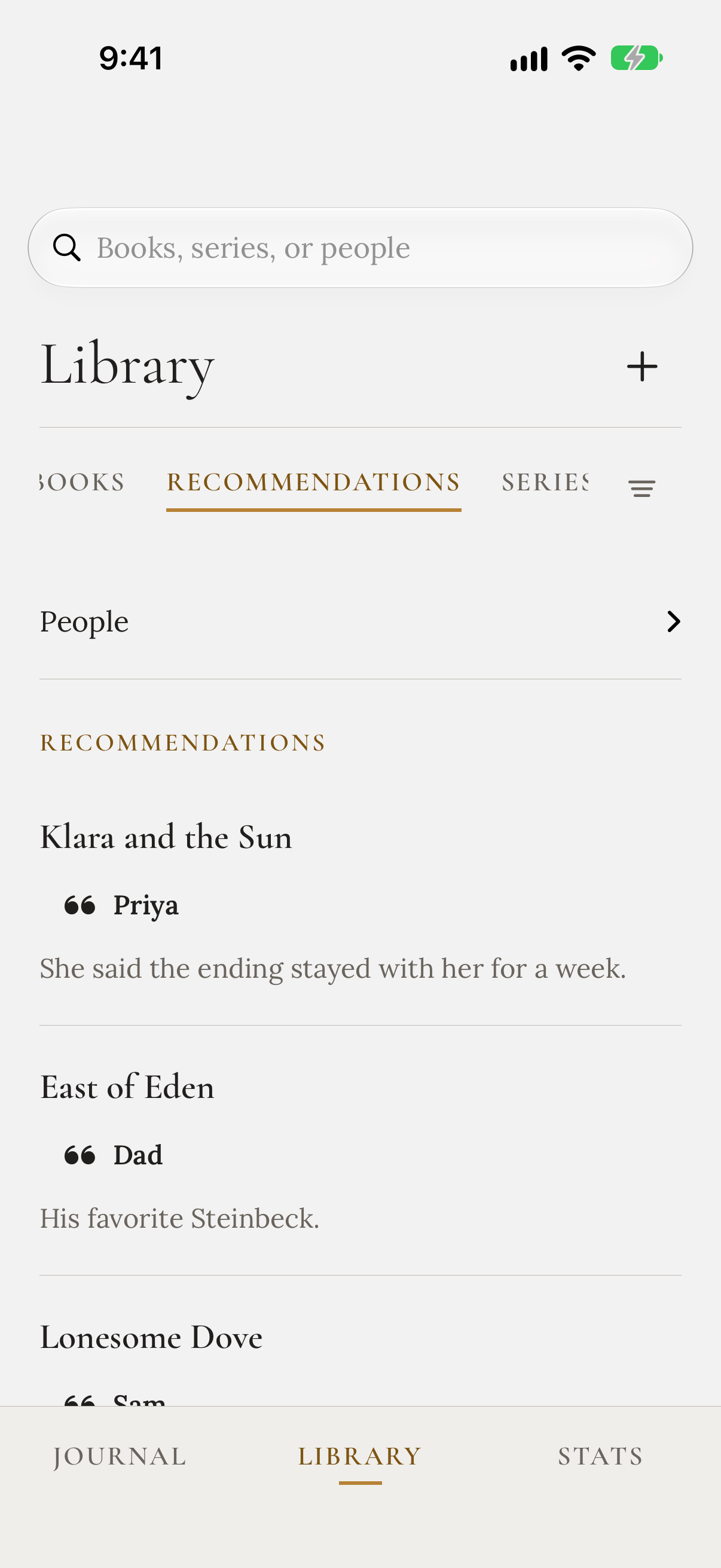
A library that stays yours
Your library lives on your device and syncs through your private iCloud database when iCloud is available. Export a JSON backup to keep a copy of your own, or CSV for a spreadsheet.
Start your reading habit
Add the book you’re reading, mark today’s reading, and choose your monthly goal.
Reading Habit 1.0 is a free download on the App Store for iPhone and iPad, with iOS 27 and iPadOS 27 as the minimum supported versions. A Mac version is in development and not yet available. Version 1.0.1 has been submitted for App Review. The screenshots preview that update with sample books.